From the KoMap beta. Map shown is an illustrative preview.
Our roads have their own rhythm.
From the morning commute to the balik kampung drive, a little local knowledge goes a long way.
KoMap is Faris’s Malaysian driving app: the local alternative people asked for, shaped with the people who use these roads every day.
Made for the drive. And the drivers.
Find your way, share what’s ahead, and make KoMap your own.
A heads-up ahead
What you see helps the next driver.
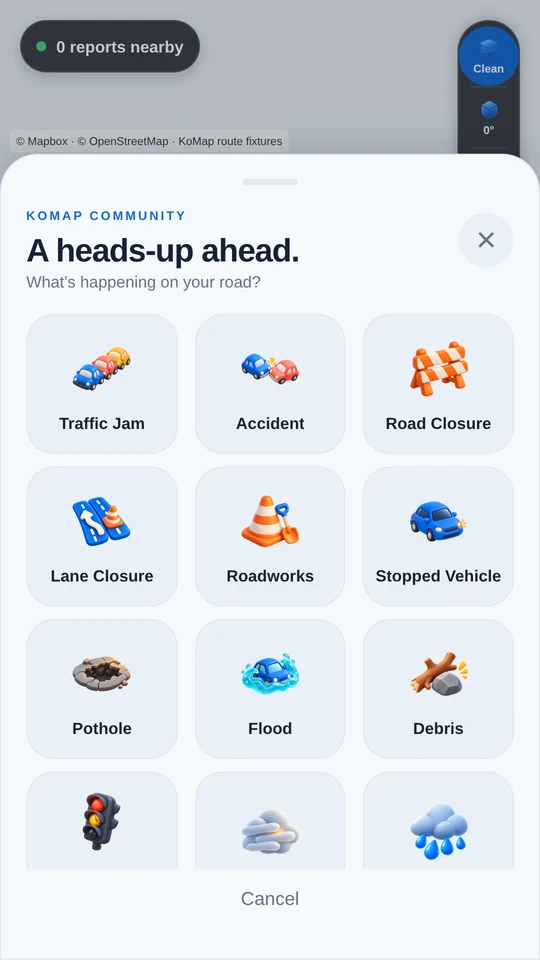
Traffic building up? A pothole in the lane? Share a road report so the community has a better picture of what’s ahead.
Traffic, hazards and road conditions
Reports shared by other drivers
Local knowledge, along the way
Pull over safely before reporting. Always follow road signs and local traffic rules.
Your garage
Bring your ride.
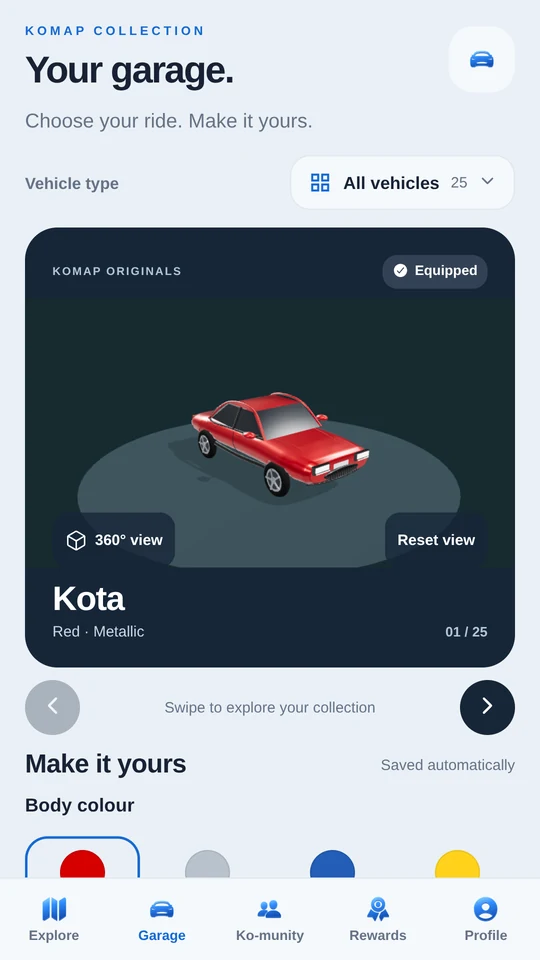
Add your vehicles and make a little space in KoMap your own.
Your community
There’s company on the road.
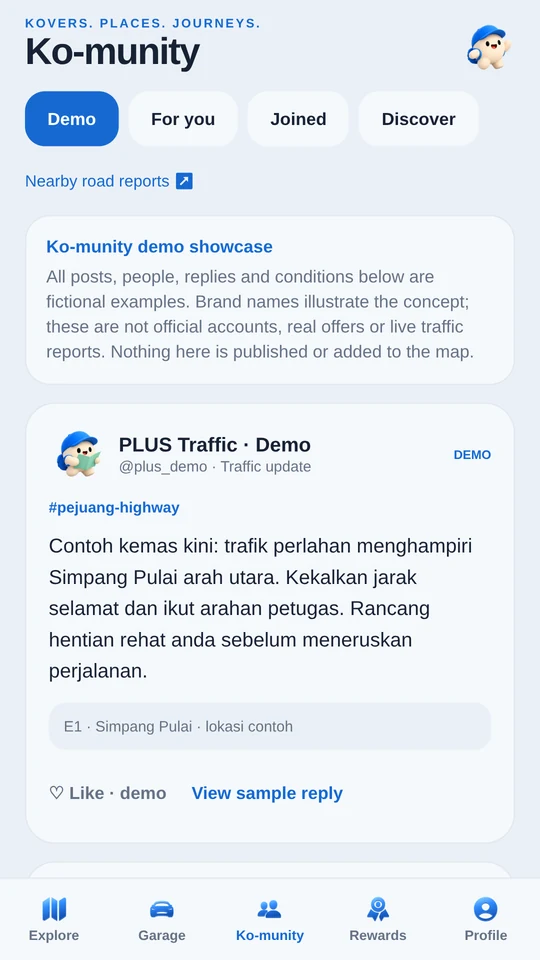
Join the conversation with other drivers. Help shape a community built around the way we move.
Screens show current beta app components. The map uses illustrative route data; community posts shown are fictional examples. Features and screens may change during testing.
Come along for the drive
Join the KoMap beta.
Try it on your own roads and help us make it better. Start with the phone you’ll use.
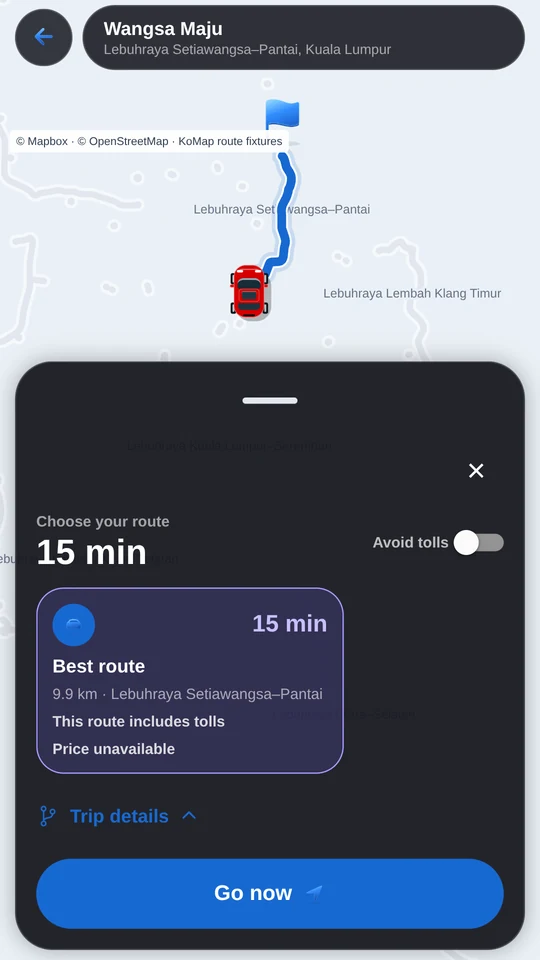
KoMap is a Malaysian driving app, made by Faris. It brings routes, turn-by-turn directions, driver road reports, a vehicle garage and community features into one place. The beta lets local drivers try it and help shape what comes next.
How do I get the iPhone beta?
Choose iPhone, connect your Apple ID, then create or sign in to your KoMap account. We add you to KoMap’s TestFlight beta group automatically. Apple sends your invitation when a test build is available. Install TestFlight on your iPhone and follow the email.
How does the Android beta work?
Choose Android and connect the Google account you use for Google Play. After your KoMap account is ready, join the KoMap testers Google Group and accept the beta on Google Play. Google requires you to confirm these steps using your own account; the site gives you the direct links.
Why do I connect two accounts?
Your Apple or Google account receives access through your phone’s app store. Your KoMap account is what you use inside the app. They do different jobs, and your KoMap email can be different from your store email.
What if my invitation is still pending?
Your place is saved. Pending invitations retry automatically, so you don’t need to sign up again. Apple may need to approve the test build first. For Android, use the same Google account on the group and Google Play, and allow a little time for Google to recognise access.
Is this the finished app?
It’s a beta, so screens, features and availability may change. Routes and community road reports can be incomplete or wrong. Keep your attention on the road, follow signs and traffic rules, and stop safely before using your phone.